Explainer creators
Add a speaking portrait to a short narrated explanation without filming a presenter.
A talking-head element that can be placed alongside captions and other visuals.
sadtalker for animationTalking portraits
The short answer to what is sadtalker used for: turning a still face image and speech audio into a talking-head video. It is a portrait-animation model, not a general video editor.
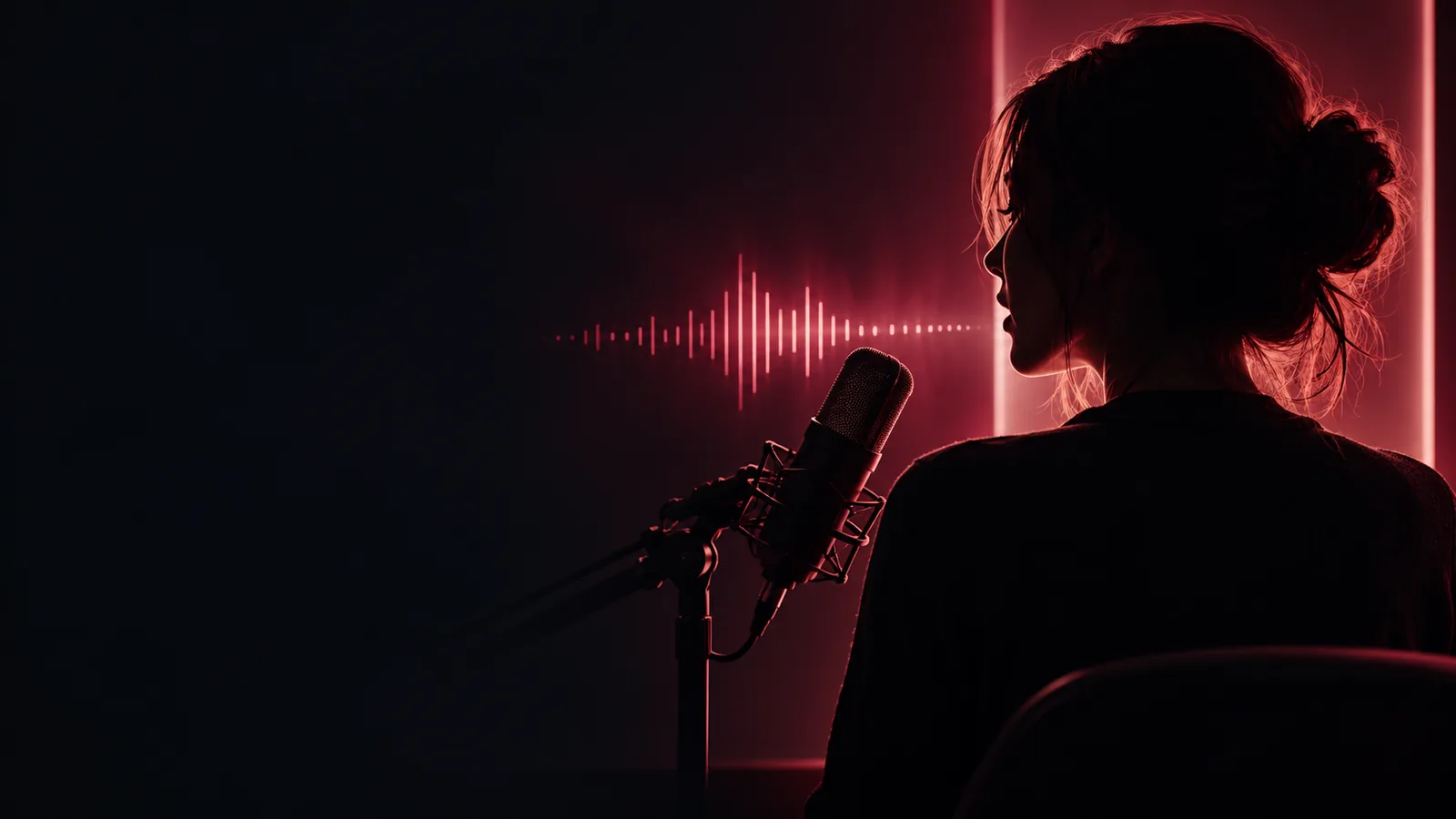
Sadtalker generates facial motion for a still portrait using speech audio as its driving input. Understanding what is sadtalker used for also means knowing where that narrow task ends.
The model focuses on a talking face. It does not turn one photograph into a complete scene with independently animated hands, walking, and camera moves.
WorkaroundBuild the wider scene in a video editor and use the talking portrait as one element.
Speech audio drives the animation; the portrait alone does not supply a script or a spoken performance.
WorkaroundRecord or otherwise prepare audio that you have permission to use before animating the image.
Mouth shapes, timing, teeth, and head motion can look unnatural, especially with difficult source portraits or audio.
WorkaroundUse a clear, forward-facing portrait and clean speech, then review the result before sharing.
A convincing talking face remains synthetic media. It cannot establish that the pictured person actually said the words.
WorkaroundGet consent when depicting a real person and label synthetic footage where viewers could mistake it for authentic video.
Sadtalker combines a source face with a driving voice track, then renders frames of an animated talking head.
Start with a visible face. A well-lit, mostly front-facing image gives the model clearer facial features to work from.
Supply the words as an audio recording. The voice track guides the timing of mouth movement and other predicted facial motion.
Render the talking-head clip, then inspect lip timing, facial stability, and whether the portrayal is appropriate to publish.
Its useful output is an animated portrait driven by audio, not an automatically produced film. These related guides cover the workflow and its boundaries.
This pair illustrates the intended change in format; still images cannot demonstrate motion or verify the output of a particular run.
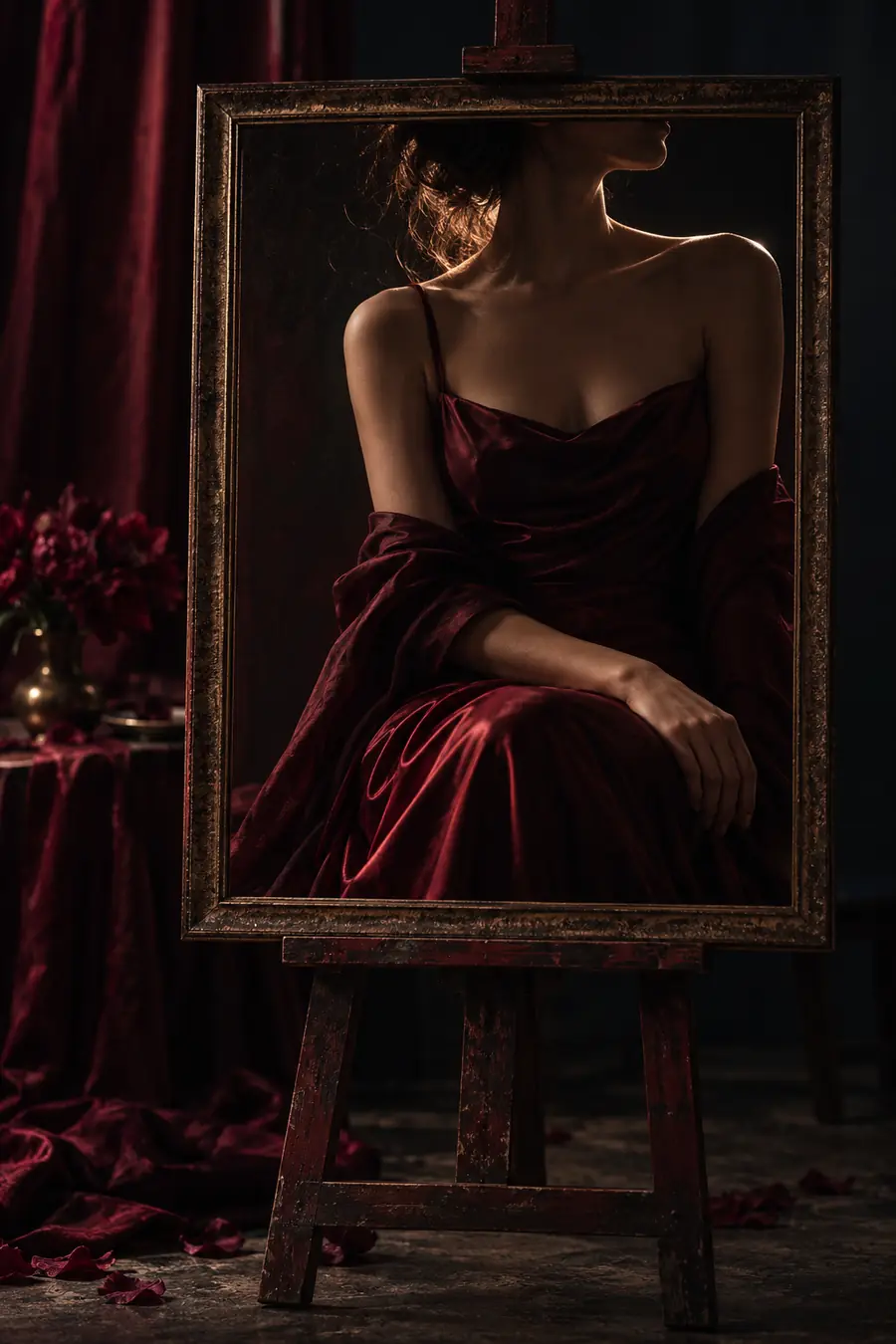
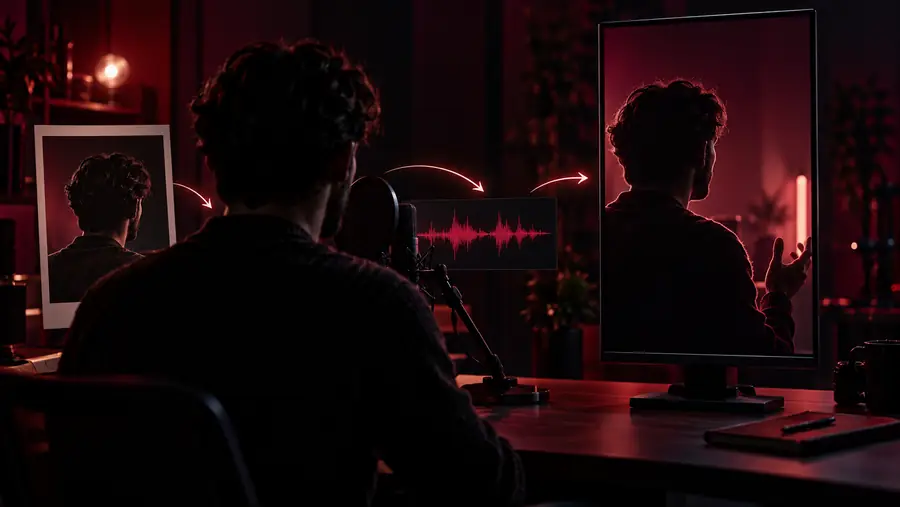
The model suits projects where a speaking face helps deliver an already prepared message. The final clip still needs editorial review.
Add a speaking portrait to a short narrated explanation without filming a presenter.
A talking-head element that can be placed alongside captions and other visuals.
sadtalker for animationTest whether an existing voice recording can drive visible mouth movement in a portrait.
A draft clip to check for timing and visual artifacts before editing it into a sequence.
sadtalker video lip syncTry a source image and audio track to understand the model's basic input-to-output process.
A concrete result for judging whether the technique fits the project.
how to use sadtalkerCompare portrait-animation approaches before choosing a production workflow.
A clearer view of whether speech-driven facial animation meets the brief.
sadtalker alternativeThe distinction is simple: the source portrait supplies appearance, while the audio supplies speech timing.
Still portrait
Sadtalker talking portrait
Still portrait
A single face image
Sadtalker talking portrait
A face image plus speech audio
Still portrait
None
Sadtalker talking portrait
Generated facial and head motion
Still portrait
Fixed in the source image
Sadtalker talking portrait
Predicted from the driving speech
Still portrait
No voice in the image
Sadtalker talking portrait
Comes from the supplied audio
Still portrait
A profile image or static illustration
Sadtalker talking portrait
A short, speech-led talking-head segment
Still portrait
Check image rights and suitability
Sadtalker talking portrait
Check consent, lip timing, artifacts, and context
If a speech-driven portrait fits your project, explore available AI tools and check their current capabilities before committing to a workflow. Keep the source image, audio permissions, and final review in mind.
Explore AI toolsYes. Sadtalker is designed to animate a face in a still image using speech audio. The result is generated video, not footage of the photographed person speaking.
Yes, speech audio is the driving input for the talking motion. A photo provides the face's appearance but does not tell the model what to say.
No. Its talking-head output can include predicted facial expression and head movement as well as mouth motion. It does not replace full-scene or full-body animation.
Only use a portrait and voice when you have the necessary rights and consent. If the resulting clip might be mistaken for a real recording, make its synthetic nature clear to viewers.
No. Results depend on the portrait, audio, and rendering conditions, and visible artifacts can occur. Review the face, mouth timing, and overall impression rather than assuming the generated clip is ready to publish.