numbered steps
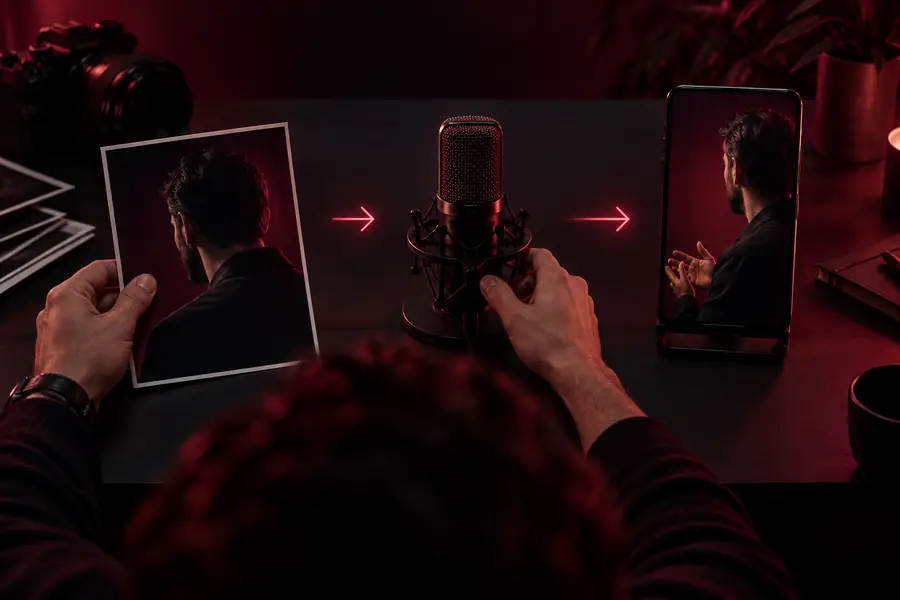
Start with the simplest possible test: one clear face, one short piece of speech, and default settings. Change one variable at a time after reviewing the first result.
-
1
Prepare and check the inputs
Select a portrait with one unobstructed face and a reasonably neutral camera angle. Play the speech file from beginning to end, checking that the first and last words are present and that music or other voices do not compete with the speaker. Keep filenames distinct so you can identify the pair you used.
-
2
Provide the portrait and speech
In the Sadtalker implementation you are using, supply the image as the source portrait and the recording as the driving audio. Check any displayed preview to confirm that the correct face and voice are paired. Leave optional motion controls at their defaults for this first pass; their names and availability vary between implementations.
-
3
Generate a short test and review it
Run the animation and watch the entire output rather than judging it from a single frame. Look for mouth movement that follows syllables, stable facial features, and a complete ending. Compare the clip with the source audio; note the exact moment of any mismatch before changing an input.
-
4
Revise only what failed
If the face distorts, try a clearer or less angled portrait. If speech appears late, check the audio for leading silence. If motion looks exaggerated, reduce optional motion settings where available. Keep the original test so you can tell whether the revision actually improved the result.